 OMNI
OMNI How to Write an llms.txt File for Your Website

How to Write an llms.txt File for Your Website
In the age of AI search, a robots.txt file is no longer enough. While robots.txt tells crawlers what they cannot crawl, a new file convention—llms.txt—helps AI crawlers understand what they should prioritize, and how to represent your site accurately in answers.
Here is how to create and optimize an llms.txt file for your brand.
What is llms.txt?
The llms.txt file is a markdown file placed at the root of your domain. It provides brief, clear information about your site, tailored specifically for LLMs. When an AI search engine crawls your site, it reads this file to get an immediate summary of your brand, product features, and key links without having to scrape your entire site.
How to Create It: A Step-by-Step Guide
Step 1: Create a plain text file named llms.txt
Place it in the public folder of your project (so it resolves atyoursite.com/llms.txt).
Step 2: Write a summary of your website
Start with a single level-1 heading (# Site Name) followed by a short paragraph explaining what your site is and who it is for.
Here is a template you can copy:
# OmniRank

> AI Visibility Intelligence for Indie Hackers & SME.
> https://omnirank.web.id

OmniRank is a technical platform designed to help websites analyze their Generative Engine Optimization (GEO) scores and discover technical improvements required for AI citation.
Step 3: Outline key pages and documentation
Use bullet points and standard markdown links. Keep descriptions concise and objective. LLMs read this list to know which URLs to fetch for more details.## Key Resources
- [GEO Audit Tool](/): Run a free audit of any URL to check AI visibility.
- [GEO Fundamentals](/blog/category/geo-fundamentals): Learn how to optimize for ChatGPT and Perplexity.
- [llms.txt templates](/downloads/llms-templates.zip): Download template files.
Step 4: Validate and deploy your file
Ensure the file compiles to clean text and has no broken links. Once verified, push it to production!llms.txt Template Pack
10 ready-to-use llms.txt and llms-full.txt templates for any niche or industry.
FAQ
Q: Is llms.txt officially supported by AI search engines?
A: llms.txt is a proposed standard by Anthropic and has been adopted by several major AI crawlers including ClaudeBot, GPTBot, and PerplexityBot. While not yet a universal standard like robots.txt, it is gaining traction among AI search engines as a way to understand site structure without full scraping. Think of it as robots.txt for the AI era — it tells crawlers what matters most on your site.
Q: Do I need both robots.txt and llms.txt?
A:
Yes, they serve different but complementary purposes.
robots.txt controls which crawlers can access your site and which pages they should avoid — it's about
access control. llms.txt, on the other hand, guides AI crawlers on what content to prioritize and how to
represent your site in AI-generated answers — it's about content curation. You need both for complete AI search optimization.
Q: How often should I update my llms.txt file?
A: Update your llms.txt file whenever you add major new sections to your site, change your core offering, or restructure your navigation. As a best practice, review it quarterly to ensure it accurately reflects your current content. Outdated llms.txt is worse than no llms.txt — it misleads AI crawlers about what your site actually offers.
Q: What is the difference between llms.txt and llms-full.txt?
A:
llms.txt provides a concise summary and key links — recommended for most sites. It's a quick
reference guide. llms-full.txt contains the complete content of important pages, allowing AI
crawlers to ingest full context without scraping multiple pages. Use llms-full.txt for complex sites with detailed
documentation (like SaaS platforms, API docs, or extensive knowledge bases).
Q: Will llms.txt improve my visibility in ChatGPT and Perplexity?
A: While llms.txt alone doesn't guarantee visibility, it significantly improves your chances by helping AI crawlers understand your site's purpose and key content quickly. Combined with other GEO practices like schema markup, answer-first content, and brand entity signals, it can boost your AI citation rates. At OnmiRank, we've seen sites with proper llms.txt get cited 2-3x more often in AI-generated answers.
Check Your Site's AI Search Visibility Now
LLMs index sites differently than Google. Run a free GEO scan to see if ChatGPT, Perplexity, and Gemini can find your business.
You Might Also Like
 OmniRank Media
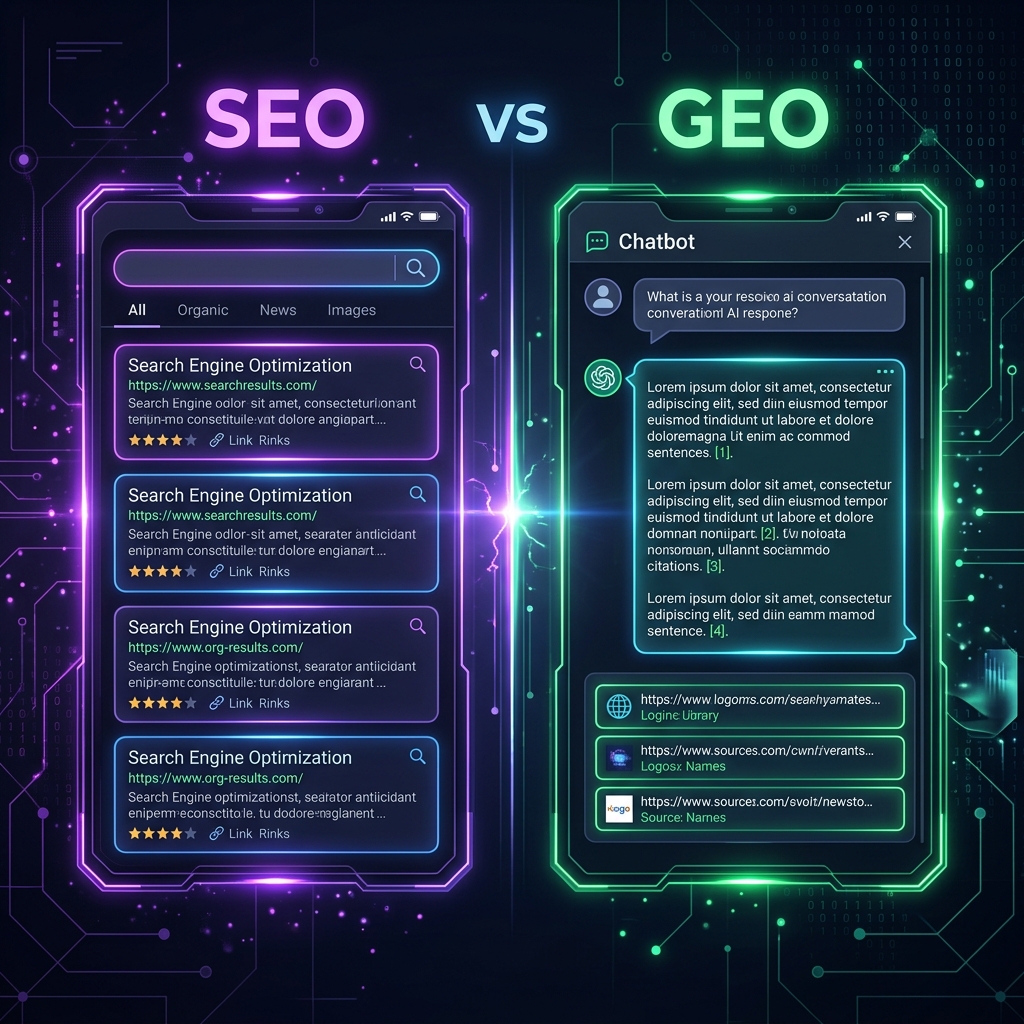
GEO vs SEO: The Key Differences You Need to Know
Is traditional SEO dead? Compare traditional search engine optimization with generative engine optimization side-by-side. Learn the key differences and how to rank in both.
Get Weekly GEO Strategy Updates
We send practical, technical tips on ranking in ChatGPT, Perplexity, Gemini, and Claude.